Happy Easter PowerPoint Template
Happy Easter Presentation
Free PowerPoint template and Google Slides theme
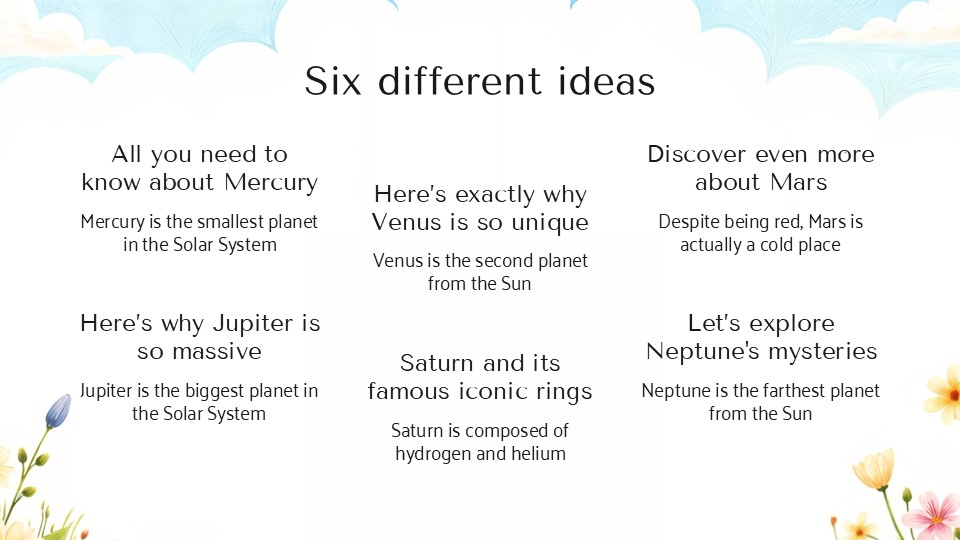
Easter is the one time of year when it is perfectly acceptable—and highly encouraged—to go all-in on pastels, bunnies, and painted eggs. Whether you are an elementary school teacher planning a festive classroom activity, a lifestyle blogger sharing a DIY egg-dyeing tutorial, or a local community leader organizing the annual town egg hunt, your presentation needs to capture that specific “first day of spring” magic. You can’t announce a chocolate egg hunt with a dry, corporate spreadsheet.
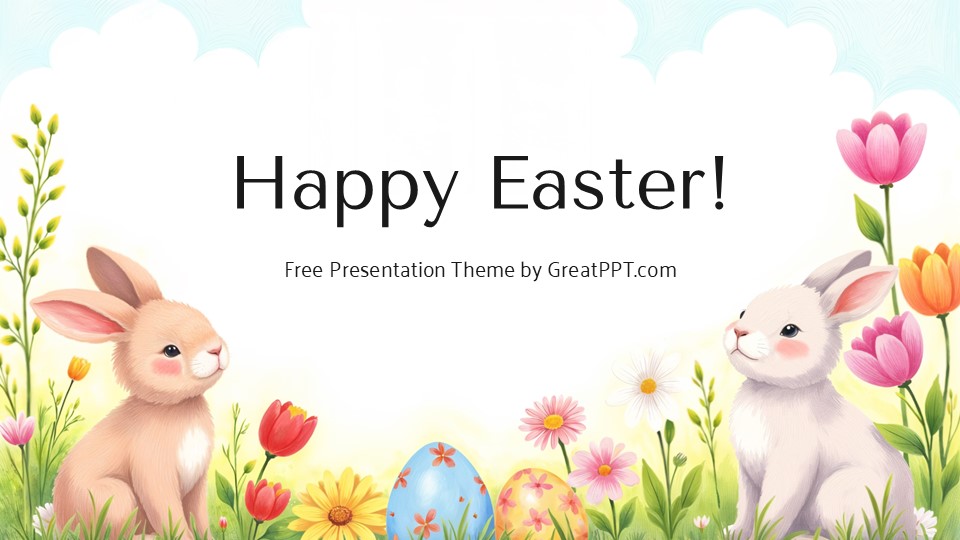
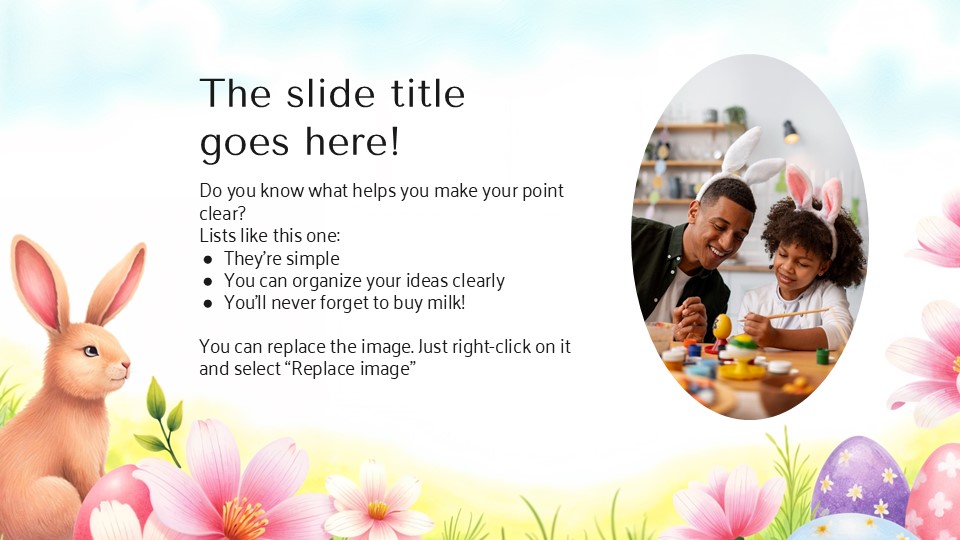
The Happy Easter template for Google Slides and PowerPoint is a masterclass in “Whimsical Celebration.” It moves away from stiff, formal religious layouts and settles into a soft, playful, and child-friendly aesthetic that feels like a warm hug from a giant rabbit.
The Aesthetic: Pastel Dreams & Hand-Drawn Charm
This isn’t just a slideshow; it’s a Visual Candy Basket. The design language is built on the joy of discovery:
-
The “Marshmallow” Palette: Featuring a sweet, airy blend of baby blues, soft lavenders, mint greens, and buttercup yellows. This palette is psychologically designed to spark happiness and creativity, making it perfect for audiences of all ages.
-
Kawaii-Inspired Illustrations: The deck is anchored by adorable, flat-design characters—think chubby bunnies, peeking chicks, and intricately patterned eggs. These aren’t just clip art; they are cohesive visual elements that guide the viewer through your narrative with a smile.
-
Playful & Legible Typography: By pairing rounded, “bubble-style” headers with clean, high-contrast body text, the template ensures that your “Event Rules” or “Recipe Steps” are as clear as they are cute.
Design Logic: Built for Interaction & Pacing
The structural logic behind this template focuses on Engagement and Fun:
-
The “Treasure Hunt” Framework: Layouts are specifically paced to build excitement—perfect for a “clue-by-clue” reveal for an Easter scavenger hunt or a step-by-step craft guide.
-
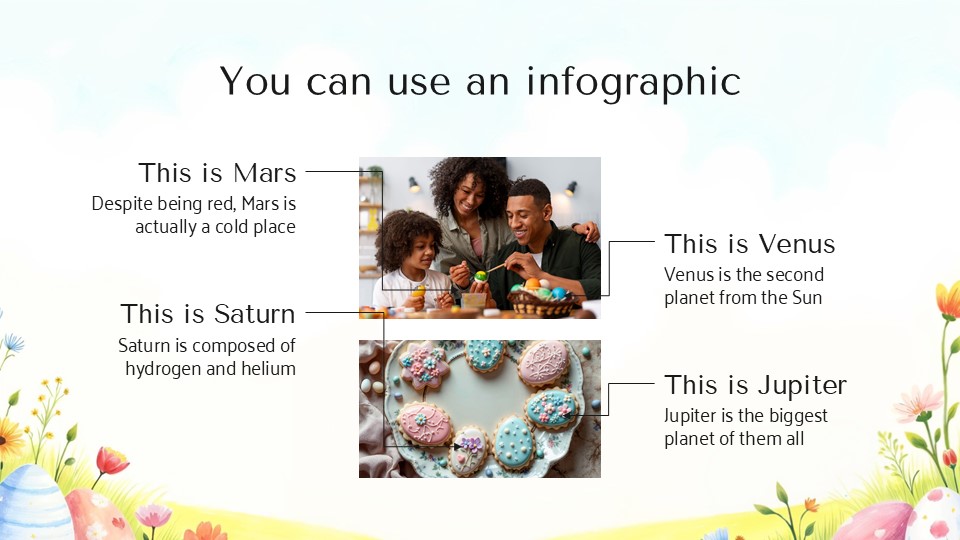
Gamified Infographics: We’ve swapped boring bar charts for thematic progress trackers. Use egg-count graphics or “Bunny-Ear” checklists to show participation goals or event timelines.
-
Modular Content Blocks: The deck is built as a flexible toolkit. You can easily duplicate the “Recipe” slides or the “Photo Gallery” layouts to fit your specific holiday needs without losing the whimsical identity.
Strategic Use Cases: Beyond the Easter Basket
This is a Holiday Branding Toolkit built for the young at heart:
-
Classroom & Sunday School Lessons: Perfect for teachers explaining the traditions of Easter, the science of spring, or simply hosting a festive end-of-term party.
-
Social Media & Blog Content: Ideal for influencers or Pinterest-savvy creators who need a high-quality backdrop for their “Top 10 Easter Treats” or “Spring Home Decor” tips.
-
Community & Family Events: A go-to resource for organizing neighborhood picnics, library story hours, or even a digital “Easter Card” presentation for distant relatives.
Features of this template
- 100% editable and easy to modify
- 10 Different slides to impress your audience
- Contains easy-to-edit graphics such as graphs, maps, tables, timelines and mockups
- Includes 500+ icons for customizing your slides
- Designed to be used in Google Slides, Microsoft PowerPoint & Canva
- Includes information about fonts, colors, and credits of the resources used
Video Preview of Happy Easter Presentation
Share Now!
Recent Templates

Related Products

Same Contributor
Featured Products